
The Top Free Freelancer Plugin for WordPress
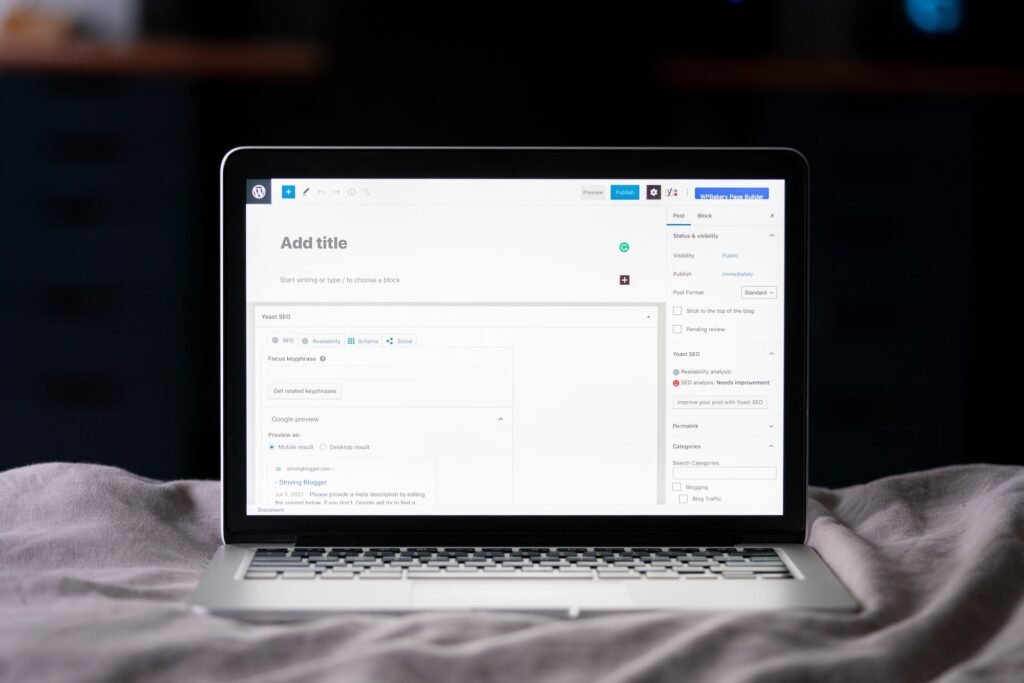
Hey there, fellow freelancers and WordPress enthusiasts! Today, I want to share with you an incredible resource that can greatly enhance your freelancing experience and boost your productivity. As a professional website designer specializing in WordPress solutions for small businesses, I understand the importance of having the right tools at your disposal. That’s why I’m thrilled to introduce you to the top free freelancer plugin for WordPress! Whether you’re just starting out or looking to take your freelancing game to the next level, this plugin is a game-changer. So, without further ado, let’s dive right in and explore the amazing features and benefits it offers.
Why Do Freelancers Need a Plugin?
As a freelancer, you wear multiple hats. From managing client projects and invoicing to staying on top of deadlines and tracking your time, there’s a lot to juggle. That’s where a plugin comes in handy. It acts as your personal assistant, simplifying and automating various tasks, so you can focus on what you do best – delivering exceptional work to your clients.
Introducing the Top Free Freelancer Plugin for WordPress
Drumroll, please! Allow me to introduce you to the Freelancer’s Friend plugin – your ultimate companion in the world of freelancing. This plugin is specifically designed to empower freelancers like you by providing a comprehensive set of features that streamline your workflow, save you time, and ensure you stay organized.
Features of Freelancer’s Friend
When it comes to features, Freelancer’s Friend doesn’t hold back. It’s packed with everything you need to manage your freelancing business effectively. Let’s take a closer look at some of its standout features:
-
Project Management: Freelancer’s Friend offers a powerful project management tool that allows you to create and manage projects seamlessly. You can create project tasks, set deadlines, assign tasks to team members (if applicable), and track the progress – all within the WordPress dashboard.
-
Time Tracking: Say goodbye to manual time tracking! With Freelancer’s Friend, you can effortlessly track the time you spend on each project. The plugin automatically logs your working hours, so you have an accurate record of your billable time.
-
Invoicing: Invoicing clients can be a hassle, but not with Freelancer’s Friend. This plugin enables you to generate professional invoices with just a few clicks. You can customize the invoice template, add your branding, include project details, and even set up recurring invoices for retainer clients.
-
Expense Tracking: Keeping track of your expenses is crucial for maintaining a healthy financial record. Freelancer’s Friend simplifies expense tracking by allowing you to categorize and record your expenses directly within the plugin. You can also generate expense reports effortlessly.
-
Client Portal: Communication is key in the freelancing world. Freelancer’s Friend understands that and provides a dedicated client portal. Your clients can log in to the portal, view project progress, leave feedback, and access important documents – all in one centralized location.
-
Collaboration Tools: If you work with a team or subcontractors, Freelancer’s Friend has got you covered. The plugin offers collaboration tools that facilitate seamless communication, file sharing, and task delegation within the WordPress environment.
How to Get Started with Freelancer’s Friend
Getting started with Freelancer’s Friend is a breeze. Simply follow these steps:
-
Install and Activate the Plugin: Head over to the WordPress plugin repository and search for "Freelancer’s Friend." Click on the "Install Now" button, and once installed, activate the plugin.
-
Configure Plugin Settings: After activating the plugin, navigate to the Freelancer’s Friend settings page. Here, you can customize various aspects of the plugin to align with your freelancing preferences.
-
Create Your First Project: Now it’s time to dive into the project management features. Create your first project, set deadlines, assign tasks, and start tracking your progress.
-
Generate Invoices: When it’s time to invoice your clients, Freelancer’s Friend makes it a breeze. Simply navigate to the invoicing section, customize the invoice template, add project details, and hit the "Generate Invoice" button.
Frequently Asked Questions
Q: Is Freelancer’s Friend compatible with other WordPress plugins?
A: Absolutely! Freelancer’s Friend is built to seamlessly integrate with popular WordPress plugins, ensuring smooth compatibility and enhancing your overall freelancing experience.
Q: Can I use Freelancer’s Friend for multiple clients/projects?
A: Yes, you can manage multiple clients and projects simultaneously within the plugin. Freelancer’s Friend provides a user-friendly interface to keep everything organized.
Q: Does Freelancer’s Friend have reporting capabilities?
A: Yes! Freelancer’s Friend offers robust reporting features that allow you to analyze project progress, time spent, expenses, and more. You can generate insightful reports to gain valuable insights into your freelancing business.
In Conclusion
Freelancer’s Friend is a game-changer for freelancers who want to streamline their workflow and take their business to new heights. With its comprehensive set of features, project management capabilities, time tracking, invoicing, and more – this plugin has got you covered. Best of all, it’s completely free! So, why wait? Give Freelancer’s Friend a try today and experience the freedom and efficiency it brings to your freelancing journey. Cheers to your success!



